Q2
Q2
 QIDI Box
 Plus 4
 Q1 Pro
 X-Max 3


What Are the Differences Between Industrial and Home 3D Printers?


Industrial 3D printers cost tens of thousands of dollars, build parts from roughly 500 mm upward, and are engineered to run continuously in production. Home 3D printers cost a few hundred to about a thousand dollars, build up to roughly 390 mm, and are made for a single operator. The real gap today is throughput, materials range, and service coverage — not layer resolution.
Whether you're a seasoned professional or a curious hobbyist, this guide walks through the differences that actually change your buying decision, and where the two categories have quietly converged.
A Quick Look Sheet:
| Feature | Industrial 3D Printers | Home 3D Printers |
|---|---|---|
| Build Volume | Typically starting from 500 × 500 × 500 mm | 150 × 150 × 150 mm up to about 390 × 390 × 340 mm |
| Print Quality and Precision | Layer resolutions between 0.1 and 0.3 mm | Layer resolutions between 0.1 and 0.3 mm (may require post-processing for smoothness) |
| Materials Compatibility | Wide range including PLA, ABS, PETG, TPU, Nylon and filled composites | PLA and PETG on open machines; ABS, ASA, Nylon and carbon-fibre blends on enclosed, high-temperature machines |
| Speed and Production Time | Fast production with larger nozzles and multiple print heads | Up to 600–800 mm/s on current desktop hardware; one part at a time |
| Software and User Interface | Complex software requiring operator training | User-friendly interfaces approachable for beginners |
| Price and Cost of Ownership | Tens of thousands of dollars plus service contracts | From a few hundred dollars, with minimal upkeep costs |
| Maintenance and Durability | Built for continuous use with comprehensive service plans | Easier maintenance but may not endure heavy continuous use |
| Use Cases and Applications | Professional applications in automotive, aerospace, product design | Hobbyists, educators, small workshops, and personal projects |
What Are Industrial 3D Printers?
Industrial 3D printers are high-performance machines designed for demanding professional applications. These printers offer large build volumes, tightly controlled process conditions, and compatibility with a wide range of engineering materials. They are built to handle continuous, high-volume production and are used across automotive, aerospace, and product design.
What Are Home 3D Printers?
Home 3D printers are compact, desktop machines built for hobbyists, educators, and enthusiasts. They offer an accessible and affordable entry point into fused filament fabrication, letting users bring creative ideas to life or explore the technology for personal projects and learning.
Differences Between Industrial and Home 3D Printers
Build Volume and Physical Size
One of the most striking differences is build volume — the maximum size of an object the machine can create in one piece. Industrial 3D printers boast expansive build spaces typically starting from 500 × 500 × 500 millimeters (20 × 20 × 20 inches). These machines handle large-scale projects such as full-size prototypes and sizable components without splitting them.
Home 3D printers historically offered build volumes from 150 × 150 × 150 millimeters to 300 × 300 × 300 millimeters — perfect for toys, jewellery, brackets, and phone accessories that fit comfortably in a living space. The ceiling has moved, though. QIDI's Max4 offers 390 × 390 × 340 mm, which is enough for a full-scale helmet shell or a drone body in a single job.
Print Quality and Precision
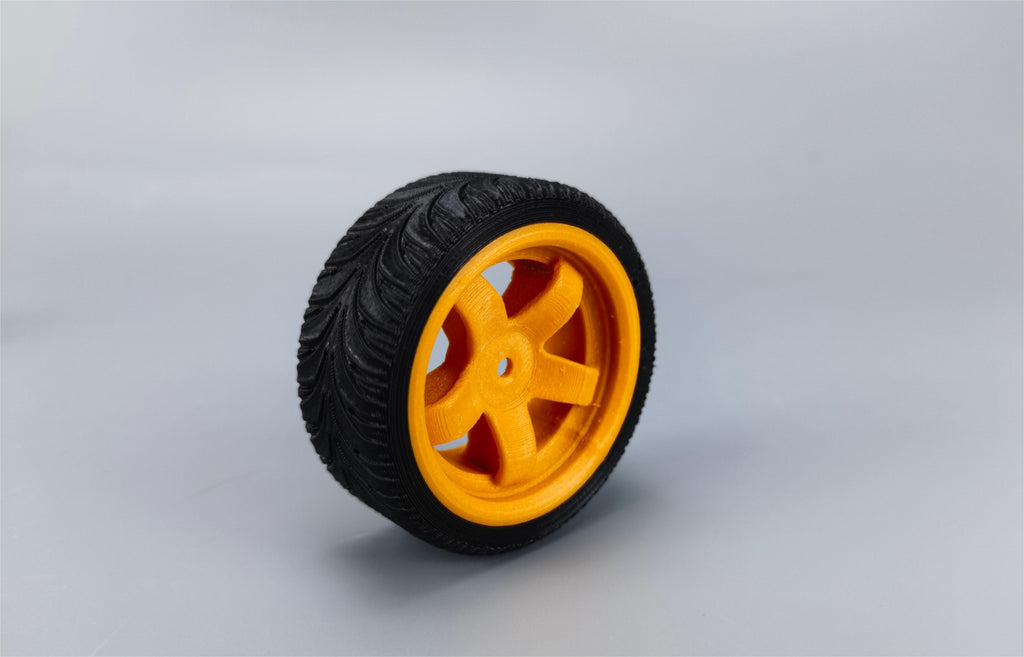
Print quality is where the two categories are closest. Industrial 3D printers produce detailed prints with layer resolutions typically ranging from 0.1 to 0.3 millimeters — enough for intricate designs, functional prototypes, and end-use parts that need dimensional accuracy.
Home 3D printers reach the same nominal layer range. Most desktop machines achieve 0.1 to 0.3 mm layers. The practical difference shows up in repeatability across long runs, not in a single good print: you may see visible layer lines and need post-processing such as sanding to reach a smooth finish.
Materials and Compatibility
Both categories run thermoplastic filament, but the material ceiling depends on hotend temperature and chamber control rather than on the industrial/home label:
-
PLA (Polylactic Acid): Easy to print and dimensionally forgiving, ideal for decorative objects and low-stress items. Prints fine on any machine.
-
ABS and ASA: Durable and heat-resistant, but they warp badly without a stable, warm chamber. This is the point where an enclosed desktop machine separates from an open one.
-
Engineering filaments: PETG, TPU, PC, and Nylon each have unique properties. Nylon and PC in particular want a 350 °C-class hotend and an actively heated chamber to reach full layer strength.
When choosing a 3D printer, start from the materials you'll actually run. For keychains and figurines, an open machine with PLA filament is plenty. For functional parts, the specification that matters is the hotend and chamber, not the price bracket.
Speed and Production Time
Speed is where industrial machines still hold a structural advantage — but not the one most people assume. Industrial printers win on throughput: larger nozzles, multiple print heads, and unattended 24/7 duty cycles let them clear a queue of parts. For businesses, that means faster development cycles and quicker time-to-market.
Raw head speed, by contrast, has largely caught up. Current desktop hardware runs input shaping and pressure advance to hold quality at high acceleration:
| QIDI desktop machine | Build volume | Max speed | Max acceleration | Chamber |
|---|---|---|---|---|
| Q2C | 270 × 270 × 256 mm | 600 mm/s | 20,000 mm/s² | Enclosed, not actively heated |
| Q2 | 270 × 270 × 256 mm | 600 mm/s | 20,000 mm/s² | 65 °C actively heated |
| Plus 4 | 305 × 305 × 280 mm | 600 mm/s | — | 65 °C actively heated |
| Max4 | 390 × 390 × 340 mm | 800 mm/s | 30,000 mm/s² | 65 °C actively heated |
All four run a 370 °C hotend, a direct-drive extruder, a 120 °C bed, and an open-source Klipper fork.
Home 3D printers still take longer to finish a batch, because they finish one plate at a time. To illustrate: a desktop machine might print a single chess piece in an hour, while an industrial machine with a large bed and multiple heads could produce the entire set in that time. That difference is decisive for commercial production runs and irrelevant for a weekend project.
Software and User Interface
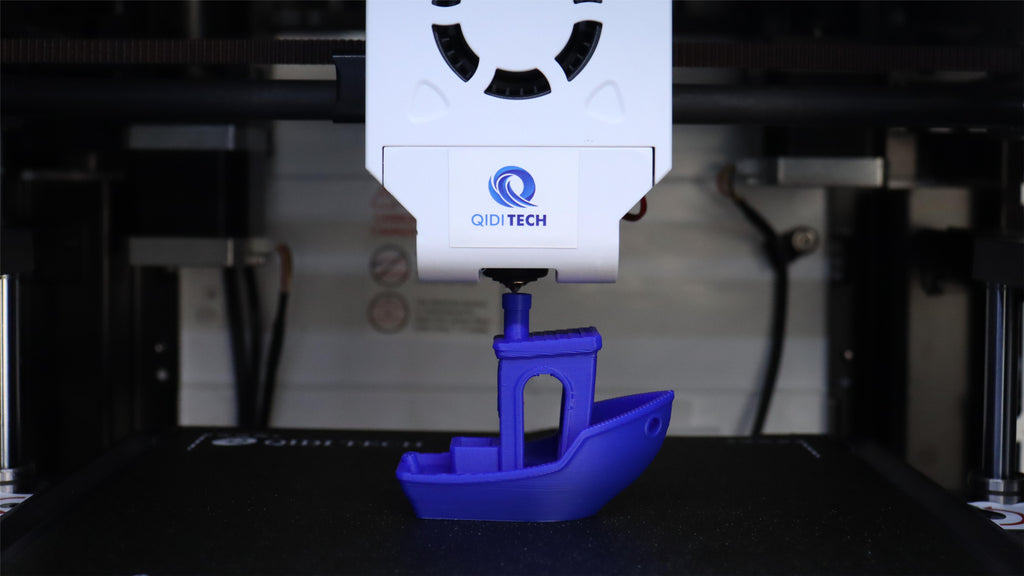
The software and user interface of a 3D printer greatly affect the day-to-day experience.
Industrial 3D printers often feature complex software and specialized controls. These machines usually require operator training to navigate advanced settings and tune the process for consistent results.
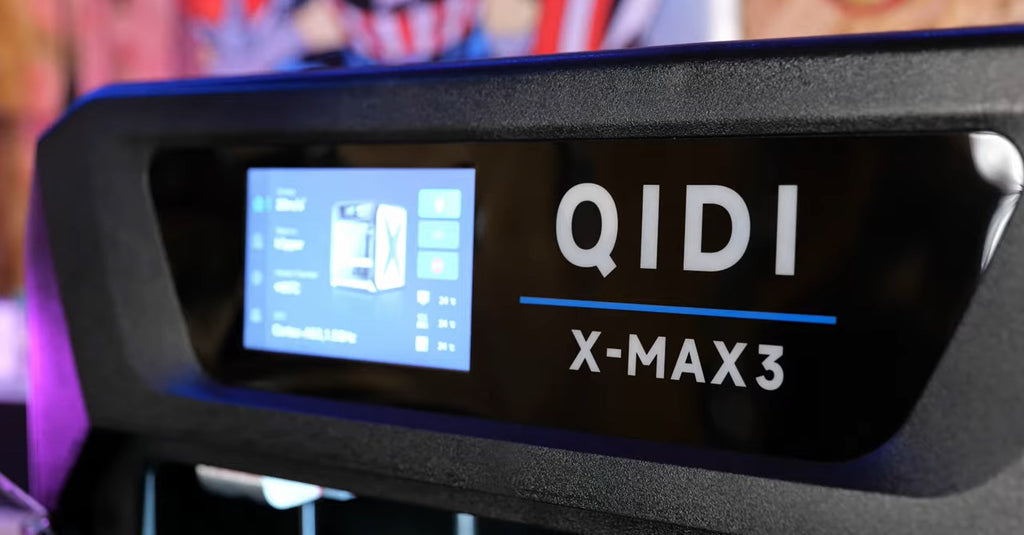
By contrast, home 3D printers offer user-friendly interfaces. The slicer ships with tested profiles, the touchscreen exposes a small number of decisions, and most first prints succeed without editing a config file — which is what makes them workable for hobbyists, students, and educators.
If you're a professional running advanced applications, the sophisticated controls of an industrial machine earn their learning curve. For everyone else, an approachable interface is worth more than another configuration menu.
Price and Cost of Ownership
Home 3D printers are affordable, with capable enclosed machines starting under $500. That puts a machine that can run ABS and Nylon inside a hobby budget, which was not true a few years ago. Running costs are modest — see our breakdown of electricity cost per print hour.
Industrial 3D printers can easily cost tens of thousands of dollars, with some models reaching six figures. Beyond the initial investment come service contracts, proprietary material costs, and facility requirements such as ventilation and three-phase power.
Maintenance and Durability
Industrial 3D printers are built to withstand continuous, high-volume production. They are engineered to operate around the clock and typically ship with warranty and service plans that include on-site response.
Home 3D printers are generally easy to maintain and troubleshoot yourself. Nozzles, belts, and build plates are user-replaceable consumables. What they don't offer is a guaranteed duty cycle: run one flat-out for months and wear will show.
Use Cases and Applications
Industrial 3D printers are essential where consistency, certification, and durability are paramount — automotive tooling, aerospace fixtures, and validated product design workflows.
Home 3D printers cover hobby, education, prototyping, and small-batch production. From custom figurines to jigs, replacement parts, and educational models, they support a wide range of personal and open-source projects. Many small workshops bridge the gap by running several desktop machines as a print farm instead of buying one industrial unit.
Frequently Asked Questions
Is an industrial 3D printer more accurate than a home 3D printer?
Not necessarily on a single part. Both categories print 0.1–0.3 mm layers. Industrial machines are more accurate over time — they hold tolerance across hundreds of parts and thousands of hours, which is a repeatability advantage rather than a resolution advantage.
Can a home 3D printer print ABS, Nylon, or carbon-fibre filament?
Yes, if it is enclosed and has a high-temperature hotend. Materials like ABS, ASA, PC, and Nylon warp or delaminate when the air around the part cools too fast. An actively heated chamber at 65 °C and a 370 °C hotend cover most of these filaments on a desktop machine.
How fast can a desktop 3D printer actually print?
Current desktop hardware is specified at 600 mm/s, and the QIDI Max4 at 800 mm/s with 30,000 mm/s² acceleration. Real-world average speed on a detailed model is far lower, because corners, small features, and cooling limits dominate — but the head speed itself is no longer the bottleneck.
Should a small business buy one industrial printer or several desktop printers?
If parts are small and the risk of a single machine going down is unacceptable, several desktop machines usually win on cost and resilience. A single industrial machine makes sense when parts are too large to split, or when a customer requires certified process control.
Conclusion
Industrial 3D printers deliver throughput, duty cycle, and service coverage for demanding professional work. Home 3D printers deliver an accessible, affordable entry point — and, at the top of the desktop range, build volumes and speeds that would have been industrial-only a few years ago.
Decide from the parts you actually need to make: their size, their material, and how many of them per week. That answer picks the category for you far more reliably than the label on the box.
Read More
- What Are Industrial 3D Printers?
- What Are Home 3D Printers?
- Differences Between Industrial and Home 3D Printers
- Build Volume and Physical Size
- Print Quality and Precision
- Materials and Compatibility
- Speed and Production Time
- Software and User Interface
- Price and Cost of Ownership
- Maintenance and Durability
- Use Cases and Applications
- Frequently Asked Questions
- Is an industrial 3D printer more accurate than a home 3D printer?
- Can a home 3D printer print ABS, Nylon, or carbon-fibre filament?
- How fast can a desktop 3D printer actually print?
- Should a small business buy one industrial printer or several desktop printers?
- Conclusion
- Read More
Recommended products