Q2
Q2
 QIDI Box
 Plus 4
 Q1 Pro
 X-Max 3


What Is the Difference Between Hobby and Commercial 3D Printers?

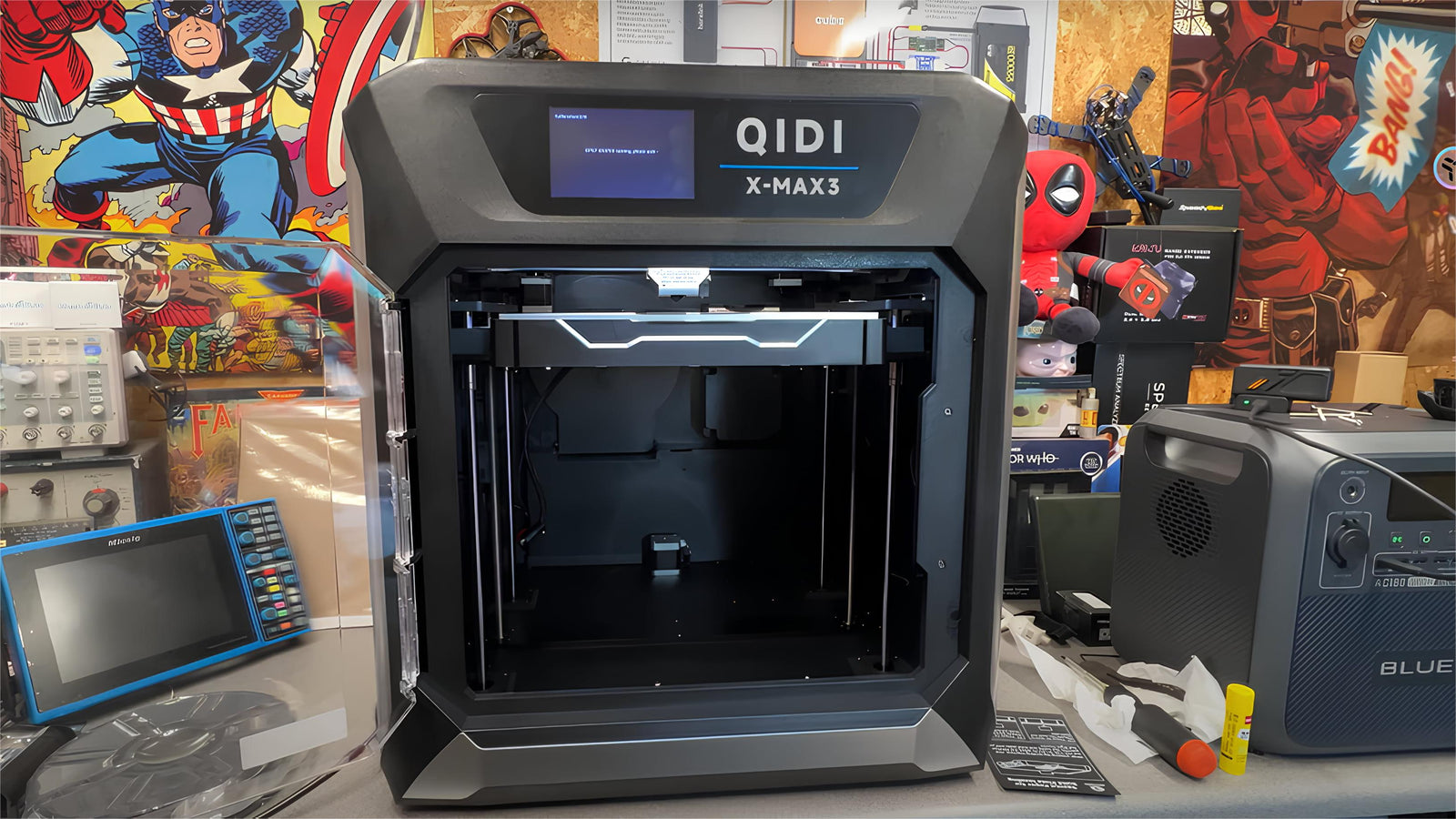
The line between a hobby and a commercial 3D printer is not price or print quality — it is duty cycle, serviceability, spare parts supply, certification and support response. A hobby machine is designed to print when you want it to. A commercial machine is designed to keep printing when it breaks, which is a fundamentally different engineering target.
Modern desktop machines have blurred the old distinctions badly. A $500 printer today matches speed, accuracy and material range that cost $20,000 a decade ago, which means the old "commercial means better prints" framing is simply out of date. What still separates the two categories is everything that happens around the printing. This guide covers where the boundary actually sits, so you can work out which side of it your use case needs.
Neither term is a standard — here is the working definition
There is no certifying body that designates a printer "commercial", and manufacturers apply the word freely. The useful working definition is based on what the machine is designed to survive:
A hobby printer is designed for intermittent use with the owner present and able to intervene. Failures are inconvenient. Downtime costs nothing but patience.
A commercial printer is designed for sustained use where downtime has a cost. Everything in its specification traces back to that: higher duty cycle, field-serviceable subassemblies, a spare parts channel with a guaranteed availability window, documented certification for workplace installation, and a support contract with a response time attached.
Note what is absent from that definition: build quality, print resolution and speed. Those correlate with the categories historically but no longer define them.
The boundary, dimension by dimension
This is the table that answers the question. Read down the middle column and ask honestly whether any of those constraints affect you.
| Dimension | Hobby-tier expectation | Commercial-tier expectation | Why it matters |
|---|---|---|---|
| Duty cycle | Intermittent; hours per week | Sustained; designed for near-continuous operation | Determines fan, bearing and heater life, and whether the frame stays aligned under thermal cycling |
| Serviceability | Repairs need partial disassembly | Modular subassemblies swapped in minutes without tools where possible | Repair time is downtime; a two-hour repair on a machine earning money is the real cost |
| Spare parts supply | Available while the model is current | Guaranteed availability window after end of sale, often 5–7 years | A machine you cannot get parts for is scrap, regardless of condition |
| Certification | CE/UKCA self-declaration typical | NRTL listing (UL, MET, ETL) plus IEC CB report for cross-border deployment | Facilities, schools and insurers require documented third-party testing |
| Support response | Email or forum; best effort | Contractual response time, often with on-site or advance-replacement options | The difference between a day down and a week down |
| Batch consistency | Part 1 and part 100 are close enough | Documented dimensional repeatability, often with per-job logging | Required whenever parts must interchange or be quality-audited |
| Process monitoring | Camera and a runout sensor | Job logging, material traceability, fleet management, error reporting | You cannot audit what you did not record |
| Material qualification | Any filament you like | Validated profiles for specific qualified materials, sometimes locked | Repeatability comes from constraining variables, which cuts both ways |
| Capital cost | $200–$2,000 | $5,000 to six figures | The price gap now buys the eight rows above, not print quality |
Two rows deserve emphasis because they are the ones people discover too late.
Spare parts supply is the quiet killer. A machine whose manufacturer stopped stocking hot ends becomes unrepairable long before it wears out. Before buying anything you intend to depend on, check that consumables and subassemblies for the specific model are currently listed and in stock — not that the brand exists, that the parts do. The maintenance cost guide lists what those parts are and what they cost.
Certification is where hobby machines get blocked from workplaces. A Nationally Recognized Testing Laboratory is a body accredited by OSHA to test equipment against applicable US safety standards, and an NRTL listing is what a facilities manager or insurer typically asks for before equipment is installed in a school, office or plant. Self-declared conformity marks do not satisfy that requirement. This is often the single reason an otherwise capable machine cannot be deployed.
Duty cycle: the specification nobody publishes
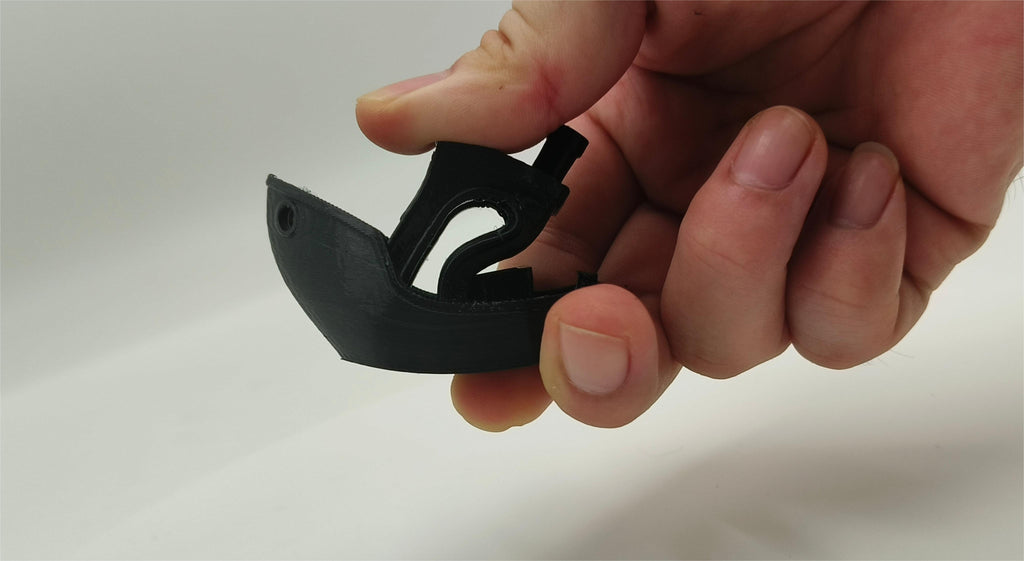
Duty cycle is the fraction of available time a machine is designed to spend operating, and it is the root of most hobby-versus-commercial differences. A duty cycle of 25% and one of 90% imply completely different component choices even if the printed output is identical.
Desktop FDM manufacturers almost never publish a duty cycle figure, so you have to infer it. The things that give it away:
- Fan specification. Sleeve-bearing fans are cheap and quiet and die in a few thousand hours of continuous running. Ball-bearing fans cost more and last several times longer. On a machine running 20 hours a day, that difference is one replacement a year versus one every four.
- Frame material and geometry. A machine that heat-cycles daily needs a frame that returns to the same geometry every time. Cast or welded frames hold alignment; bolted extrusion frames drift and need periodic re-squaring.
- Motion system. Linear rails outlast V-wheels on polycarbonate by a wide margin under continuous load, because wheel material deforms and rails do not.
- Power supply headroom. A supply running at 90% of rated output continuously runs hot and ages fast. Headroom is invisible on a spec sheet and obvious in a thermal image.
- Bed and chamber heater sizing. A heater that takes 15 minutes to reach temperature is losing you 15 minutes on every job, and in a production context that compounds.
The practical point: you can raise a desktop machine's effective duty cycle substantially by choosing one with ball-bearing fans, linear rails, and a rigid frame, and by keeping a spares drawer. You cannot buy a support contract for it, and that is the part of the gap that money does not close at the desktop tier.
Batch consistency is a process question, not a printer question
Dimensional repeatability is the ability to produce the same measured dimension across repeated builds, and it is what separates "I printed 100 parts" from "I delivered 100 parts that all fit". Commercial machines support it through controlled thermal environments, material qualification and job logging. But most of the actual variance in a desktop workflow comes from things you control for free:
- Filament moisture. The largest single source of part-to-part variance in most small operations. A spool that sat out over a humid weekend prints differently from the same spool dried.
- Ambient temperature drift. A garage that swings 15 °C between night and day produces measurably different parts. This is what an actively heated chamber removes — it holds the part's thermal environment constant regardless of the room.
- Plate condition. First-layer squish drifts as a plate ages and as residue builds up. Same G-code, different first layer, different Z-datum for the whole part.
- Material batch. Two spools of the same product from different production lots can differ enough in diameter and shrinkage to matter on a tight tolerance.
Control those four and a desktop machine gets remarkably close to commercial repeatability on FDM parts. A heated chamber is the one you cannot substitute with discipline, which is why it appears on the boundary in the first place. Machines like the QIDI Q2, Plus 4 and Max4 run a 65 °C actively heated chamber for exactly this reason, while the Q2C uses a flame-retardant enclosed chamber without active heating — enclosed and heated are different capabilities, and the distinction matters more than the enclosure alone.
Where materials genuinely differ
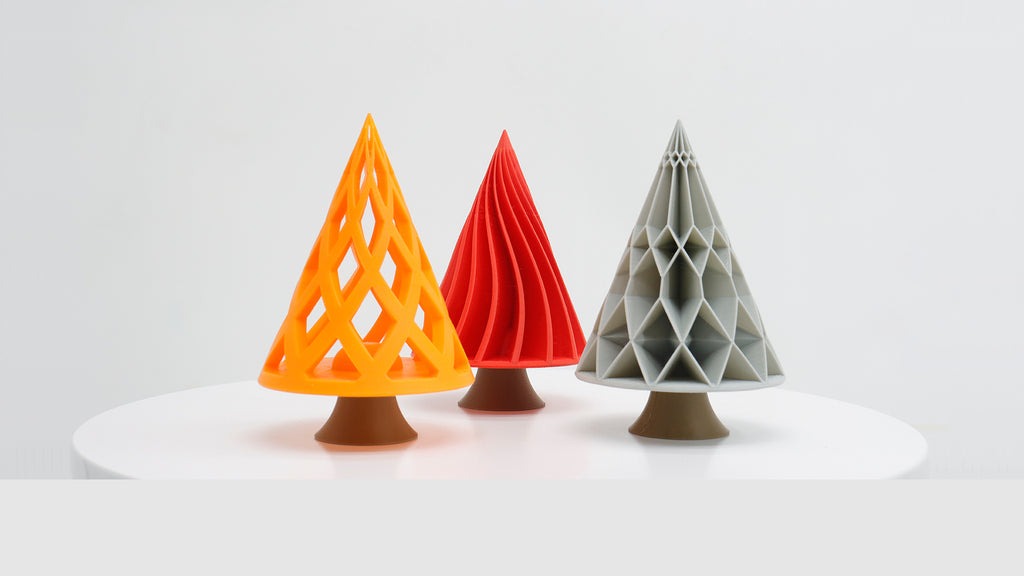
Material range used to be the clearest dividing line and is now one of the weakest. Desktop machines with 370 °C hot ends and heated chambers print ABS, ASA, PC, nylon and carbon-fibre-filled composites routinely — materials that were commercial-only not long ago. The high-performance filament range covers most of what an engineering application asks for.
What remains genuinely out of reach at the desktop tier is not a filament, it is a process. Metals, ceramics and production polymer powders require entirely different technologies — selective laser sintering, powder bed fusion, binder jetting — not a better FDM machine. If your requirement is a metal part or a sintered nylon part with isotropic strength, no desktop FDM printer is the answer at any price, and framing that as "hobby versus commercial" obscures the point. NIST's additive manufacturing programme is a good starting point on the process families and their measurement challenges.
Within FDM, the genuine material constraints at the desktop tier are: sustained chamber temperatures above about 65 °C for high-temperature engineering polymers, and validated material traceability where a customer requires it.
Which side of the line do you actually need?
| Your situation | What you need | Why |
|---|---|---|
| Personal projects, occasional prints | Hobby tier | Downtime costs nothing; capability is already far beyond what you need |
| Selling printed products part-time | Two hobby-tier machines, not one better one | Redundancy protects delivery dates; a single machine down is 100% capacity lost |
| Prototyping for paying clients | Hobby tier with engineering materials and a heated chamber | Clients buy speed and material capability, not certification |
| Parts installed in a customer's product | Commercial tier, or documented process control | Traceability and repeatability become contractual, not optional |
| Equipment in a school, office or plant | Whatever your facilities team will approve | NRTL listing is usually a hard gate regardless of the machine's capability |
| Production runs where a day down is expensive | Commercial tier, or a fleet with spares | You are buying support response and parts availability, not print quality |
| Metal, ceramic or sintered-polymer parts | A different process entirely, or a service bureau | No FDM machine at any tier does this |
The row most people should read twice is the second one. If you are producing for sale, buying two inexpensive machines beats buying one expensive one almost every time, because the failure you actually experience is a machine down for a week waiting on a part, and redundancy solves that directly. This is the logic behind print farms — the 3D printing farm guide covers how that scales, and the making money guide works through the margins that justify it.
Software: convergence, with one real gap
Slicer software is no longer a differentiator. Desktop slicers expose per-object settings, modifiers, variable layer height, adaptive supports and pressure advance calibration — the same parameter depth commercial software offers, and increasingly the same engines, since much of the ecosystem is built on shared open-source foundations.
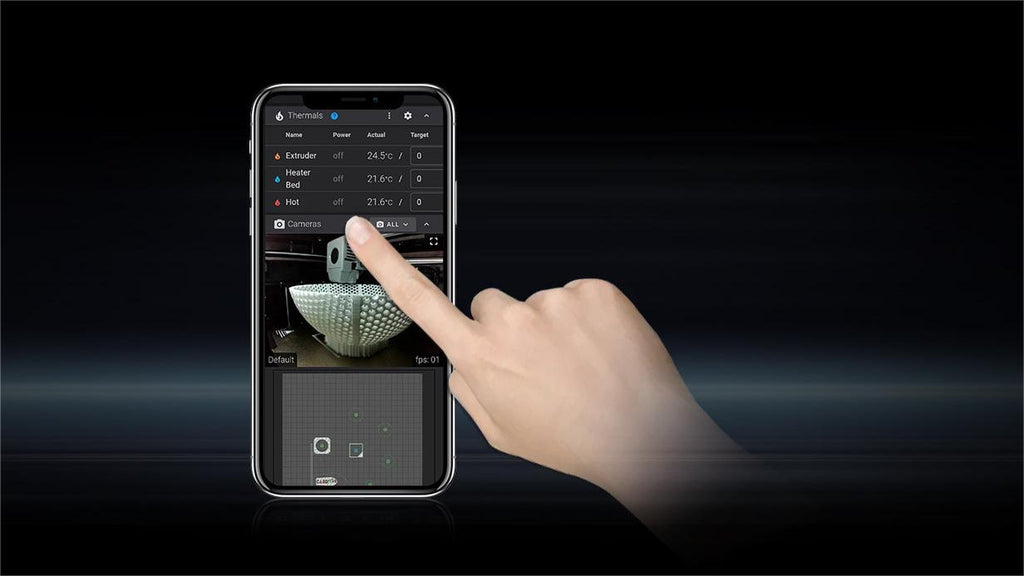
The gap that remains is fleet management and traceability: assigning jobs across multiple machines, queueing, logging which spool went into which part, and reporting failures centrally. That is genuinely a commercial-tier capability, and it is what a print farm operator eventually builds or buys regardless of what machines they run.

Total cost of ownership, honestly
Capital cost is the number people compare and the least important one over a machine's life. The comparison that matters includes downtime.
| Cost element | Hobby tier | Commercial tier |
|---|---|---|
| Purchase | $200–$2,000 | $5,000+ |
| Consumables per print hour | ~$0.06–$0.13 | Often higher; some systems use proprietary media |
| Your time on maintenance | Yours, unpaid | Contracted, or in-house technician time |
| Downtime per failure | Days to weeks (parts by post) | Hours to days (SLA or advance replacement) |
| Useful life before parts scarcity | Bounded by how long parts stay stocked | Bounded by the guaranteed availability window |
| Resale | Falls fast; commodity market | Holds better; smaller buyer pool |
Notice that "print quality" does not appear. For FDM specifically, that is the honest position — a well-maintained, well-calibrated desktop machine produces parts that are hard to distinguish from a commercial FDM system's output. What you buy at the commercial tier is the guarantee that it will still be doing so next Tuesday.
If you are working out where your budget should go, the printer pricing guide breaks down what each price band buys, the cheap printer trade-offs guide covers the low end specifically, and the printer lifespan guide covers how long you should expect a machine to last. Current models and their specifications are listed in the printer lineup, with wear parts in the accessories range.
Frequently asked questions
What is the difference between a hobby and a commercial 3D printer?
The difference is duty cycle, serviceability, spare parts availability, safety certification and support response — not print quality or speed. A hobby machine is built for intermittent use with the owner present; a commercial machine is built for sustained operation where downtime costs money, which drives modular repairability, guaranteed parts windows, NRTL listing and contractual support response times.
Can a hobby 3D printer be used for commercial work?
Yes, and a great deal of commercial 3D printing runs on desktop machines. The constraints are practical rather than technical: a single hobby machine has no redundancy, so one failure is total capacity loss, and it usually lacks the third-party safety listing that facilities and insurers require for workplace installation. Running two or three desktop machines with a spares drawer addresses the first constraint; the second depends on where the machine is installed.
Do commercial 3D printers produce better quality parts?
Not meaningfully within FDM. A well-calibrated desktop machine with a heated chamber and dry filament produces parts that are hard to distinguish from commercial FDM output. Where commercial systems genuinely win is consistency across long production runs — documented dimensional repeatability, material traceability and job logging — and access to entirely different processes such as laser sintering and metal printing, which no FDM machine performs at any price.
What duty cycle can a desktop 3D printer handle?
Desktop manufacturers rarely publish a duty cycle figure, so judge it from components: ball-bearing rather than sleeve-bearing fans, linear rails rather than V-wheels, a rigid frame that holds alignment through thermal cycling, and power supply headroom. Machines with those characteristics run high-duty schedules successfully in print farms. Expect fans and hot ends to be your recurring replacements rather than structural failures.
Is certification required to use a 3D printer at work?
It depends on your employer, insurer and jurisdiction rather than on any universal rule, but many facilities require equipment to carry a listing from an OSHA-recognised testing laboratory such as UL, MET or ETL before installation. A self-declared conformity mark is often not accepted for that purpose. Check with your facilities or EHS team before buying, because this is frequently the gate that blocks an otherwise suitable machine.
Should I buy one expensive printer or two cheap ones?
For production work, two cheaper machines almost always beat one expensive one. The failure you will actually experience is a machine out of service waiting on a part, and a second machine turns that from 100% capacity loss into 50%. One expensive machine is the right answer only when you specifically need a capability the cheaper machines lack — a larger build volume, a hotter chamber, or a certification you cannot get otherwise.
- Neither term is a standard — here is the working definition
- The boundary, dimension by dimension
- Duty cycle: the specification nobody publishes
- Batch consistency is a process question, not a printer question
- Where materials genuinely differ
- Which side of the line do you actually need?
- Software: convergence, with one real gap
- Total cost of ownership, honestly
- Frequently asked questions
- What is the difference between a hobby and a commercial 3D printer?
- Can a hobby 3D printer be used for commercial work?
- Do commercial 3D printers produce better quality parts?
- What duty cycle can a desktop 3D printer handle?
- Is certification required to use a 3D printer at work?
- Should I buy one expensive printer or two cheap ones?
Recommended products