Q2
Q2
 QIDI Box
 Plus 4
 Q1 Pro
 X-Max 3


The Best Affordable 3D Printer for 2024


The best affordable 3D printer in 2026 is the QIDI Q2C at $379. It combines a 270×270×256 mm CoreXY build area, a 370°C bimetal nozzle, a 120°C bed and hands-free loadcell leveling — a specification that cost more than twice as much two years ago. Step up to the $499 Q2 only if you need a heated chamber.
That answer has changed since the last time this article was written. In 2024 the sensible budget recommendation was the QIDI Q1 Pro at around $469. The floor has since moved: the same class of motion system and hotend now starts at $379, and the machines that used to define the "cheap" tier have either been replaced or have stopped being a good deal. This guide is about where the money actually goes at each price point, and which savings are real.
What Each Price Tier Buys You in 2026
Price tiers in 3D printing are not arbitrary. Each jump corresponds to a specific piece of hardware being added. Knowing which one you are paying for is the whole skill.
| Price band | What you get | What is still missing | Sensible buyer |
|---|---|---|---|
| Under $250 | Automatic bed leveling, direct-drive extruder, a working slicer profile, roughly 220×220×250 mm | Speed, enclosure, high-temperature hotend, hardened wear parts | Students, second machines, PLA-only printing |
| $250–$450 | CoreXY motion, 500–600 mm/s class speeds, larger plate, high-temperature nozzle, hardened steel gears | Heated chamber, enclosure, camera | Most first-time buyers |
| $450–$700 | Full enclosure, active chamber heating, air filtration, failure-detection camera | Very large build volume, multi-nozzle systems | Anyone printing ABS, ASA, PC or nylon |
| $700–$1,200 | Large plates (300 mm and up), higher acceleration, stronger chamber heating, multi-material add-ons | Industrial certification, service contracts | Small workshops, functional-part production |
| Over $1,500 | Dual-nozzle or toolchanging systems, hybrid laser/CNC platforms, higher-temperature engineering envelopes | — | Studios and production users |
The important line in that table is the $450–$700 row. That is where active chamber heating appears, and active chamber heating is the single feature that separates "prints plastic" from "prints parts". Everything below it prints PLA and PETG well.
Affordable 3D Printer Comparison
QIDI prices below are current store prices as of July 2026. Other brands are shown as bands rather than exact figures, because their street prices swing by 30–40% across sale cycles and any number printed here would be wrong within a month.
| Model | Build volume | Max toolhead speed | Chamber | Max nozzle temp | Price band | Best for |
|---|---|---|---|---|---|---|
| QIDI Q2C | 270×270×256 mm | 600 mm/s | Open frame, no chamber heating | 370°C | $379 | Best value overall |
| QIDI Q2 | 270×270×256 mm | 600 mm/s | Enclosed, 65°C actively heated | 370°C | $499 | Cheapest actively heated chamber |
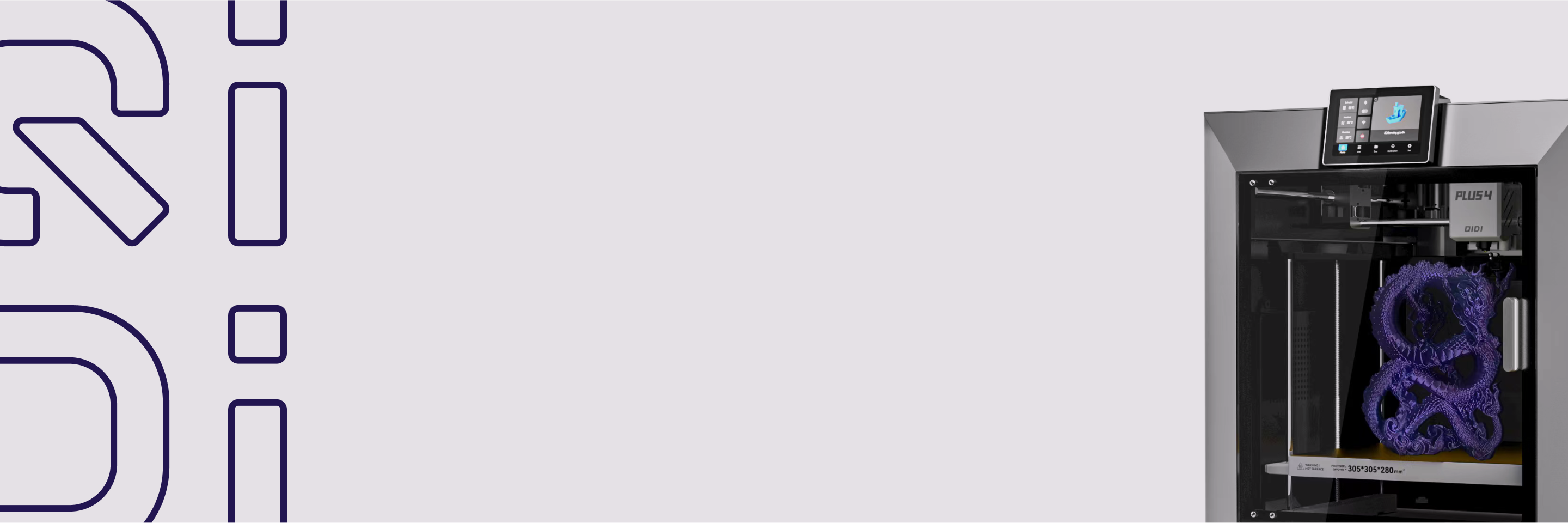
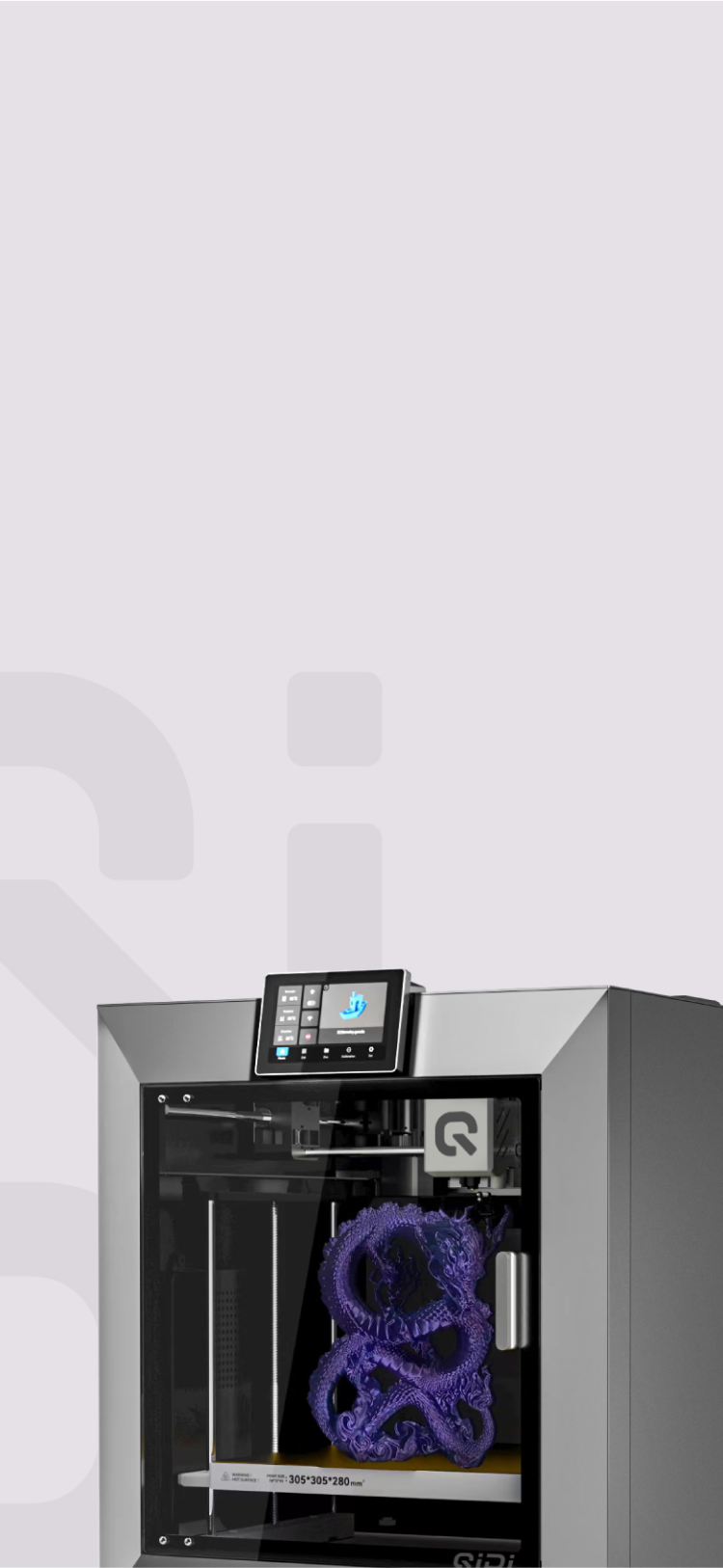
| QIDI Plus 4 | 305×305×280 mm | 600 mm/s | Enclosed, 65°C actively heated | 370°C | $699 | Bigger plate, engineering materials |
| QIDI Max4 | 390×390×340 mm | 800 mm/s | Enclosed, 65°C actively heated | 370°C | $1,049 | Large functional parts |
| Bambu Lab A1 mini | 180×180×180 mm | 500 mm/s | Open frame, no chamber heating | 300°C | Entry (under $300) | Smallest footprint |
| Bambu Lab P1S | 256×256×256 mm | 500 mm/s | Enclosed, not actively heated | 300°C | Mid ($400–$700) | Quiet enclosed all-rounder |
Why the Q2C Is the Value Pick at $379
The QIDI Q2C is an open-frame CoreXY printer with a 270×270×256 mm build volume. Its toolhead tops out at 600 mm/s with acceleration up to 20,000 mm/s², it runs a 370°C bimetal nozzle with hardened steel dual drive gears, and the bed reaches 120°C. Leveling is hands-free via a loadcell sensor built into the hotend, which measures actual nozzle contact instead of probing next to it — that is what removes the Z-offset fiddling step.
What it does not have is the point. There is no enclosure, no chamber heating, no AI camera and the air filter is optional. QIDI put the money into the motion system, the hotend and the bed, and left out the box. For a buyer who is printing PLA and PETG, that is the correct set of things to leave out.
The specification that matters most for longevity is the 370°C nozzle. Plenty of machines at this price cap out at 260–300°C, which is a hard ceiling on nylon, polycarbonate and high-temperature composites. The Q2C can also run abrasive carbon-fibre-filled filament without eating its extruder, because the drive gears are hardened steel rather than brass.
The $120 That Changes What You Can Print
The gap between the Q2C at $379 and the QIDI Q2 at $499 is worth understanding precisely, because it is the most consequential $120 in this whole article.
An actively heated chamber is an enclosure with its own heater that holds the air around the part at a set temperature — 65°C on the Q2. This is not the same as a passive enclosure, which merely traps waste heat from the bed and hotend. The difference shows up with materials that shrink significantly as they cool. ABS, ASA and polycarbonate warp or split along layer lines when the top of a part cools faster than the bottom; a stable ambient temperature makes the shrinkage uniform. We explain the physics in detail in our guide to the temperature-controlled chamber.
The Q2 also adds three-stage air filtration, an AI camera for failure detection, and MET certification. If there is any realistic chance you will want functional parts rather than decorative ones, the $499 machine is the better buy and it is still comfortably inside anyone's definition of affordable.
Where Saving Money Is the Right Call
- Skipping the enclosure if you only print PLA and PETG. Neither material needs one. You are paying for a box you will leave open.
- Skipping multi-colour on day one. A multi-material unit such as the QIDI Box is $228, and it also wastes filament on every colour change through purge towers. Buy it when you have a project that needs it, not before. Our QIDI Box guide explains how the purge maths works.
- Skipping the biggest plate. Most people print far below their machine's capacity. A 270 mm plate covers the vast majority of hobby and prototype work.
- Buying filament in bulk rather than buying premium brands. Standard PLA and PETG from a reputable supplier prints fine. Spend the premium on the engineering materials where it actually shows.
Where Saving Money Costs More Later
- A low-temperature hotend. A 260°C ceiling locks you out of nylon, PC and most composites permanently. There is no upgrade path that does not cost more than the difference would have.
- Brass wear parts on an abrasive-capable machine. If you intend to print carbon-fibre filament at all, hardened steel gears and a bimetal or hardened nozzle are not optional.
- Manual or semi-automatic leveling. The time cost is real and the failure rate is higher. Every machine worth buying in 2026 levels itself.
- A passive enclosure sold as a heated one. Read the specification sheet for a chamber temperature figure. If the sheet only says "enclosed", there is no heater.
- Buying below $200 to "try it out". The failure rate at that price does more to end the hobby than any budget saved. We went through the trade-offs in should you buy a cheap 3D printer?
Three Fixed Budgets, Spent Properly
Abstract tiers are easier to understand as concrete allocations. Each of these assumes you also want to be printing on day one rather than ordering accessories for a month.
A $450 budget
Buy the Q2C at $379 and spend the remaining $70 on filament — three kilograms of PLA and PETG plus a spare nozzle. This is the highest-capability configuration available at this total, and it leaves you with a machine whose only real limitation is the missing chamber. If you later decide you need one, the Q2C keeps its value as a second machine for PLA work rather than becoming a paperweight.
A $700 budget
Buy the Q2 at $499 and spend $200 on materials, including a spool of ABS or ASA and a spool of PETG-CF. You now have an actively heated chamber at the entry price of that class and enough material breadth to find out what you actually want to print. Do not spend this budget on a bigger open-frame machine — plate size is the least valuable thing you can buy at this level.
An $1,100 budget
Two defensible answers. Either the Plus 4 at $699 plus a QIDI Box at $228 and $170 of filament, which gives you a 305×305×280 mm heated-chamber machine with multi-material capability; or the Max4 at $1,049 on its own, which gives you 390×390×340 mm, 800 mm/s and 30,000 mm/s² acceleration but no multi-material system yet. Choose the first if you want colour and the second if you want size and speed. There is no wrong answer, only a preference.
Speed Has Stopped Being Something You Pay For
In 2022 a 600 mm/s toolhead was a flagship specification. In 2026 it is standard from $379 upward, because CoreXY frames and Klipper-class input shaping became cheap at the same time. Input shaping is a firmware technique that models the printer's resonant frequencies and shapes the motion commands to cancel the ringing those resonances would otherwise leave on vertical surfaces — it is why fast printing stopped meaning ugly printing.
What this means for a budget buyer is straightforward: do not pay a premium for a speed number. Between the Q2C at $379 and the Plus 4 at $699 the toolhead speed is identical at 600 mm/s. The extra money buys chamber temperature, plate size and material range. Real-world print times are also governed by flow rate and cooling more than by peak toolhead speed, so headline figures should be treated as a ceiling rather than a promise. We tested how those numbers translate in practice in FDM printing at 600 mm/s: is this the new standard?
The Number Behind the Number
Purchase price is roughly two-thirds of what a first-year 3D printer owner actually spends. The rest is consumables and wear parts.
| Cost item | Typical first-year figure | Notes |
|---|---|---|
| Filament | 3–5 kg | Standard PLA and PETG run roughly $18–$30 per kg; engineering materials cost more |
| Nozzles | 1–3 | More if you print abrasive composites; hardened and bimetal nozzles last far longer |
| Build plate | 0–1 spare | PETG is hard on PEI surfaces without a release agent |
| Electricity | Minor | Usually cents per print hour, dominated by the heated bed |
We put real figures against each of these in our filament cost breakdown, our maintenance cost guide and our measurement of electricity cost per print hour. Budget the printer plus about $150 and you will not be surprised.
How the Rest of the Market Prices Up
Three brands anchor the affordable end alongside QIDI. Bambu Lab's current lineup runs from small open-frame A-series machines through the enclosed P-series; their enclosures are passive rather than actively heated, and their hotends are rated to 300°C, which is the practical difference against QIDI's 370°C machines. Creality spans the widest range of anyone, from the sub-$250 Ender line up to the enclosed K2 family, whose K2 Plus does publish a real 60°C active chamber heater — but that machine sits well above the affordable bracket. Prusa sits higher on price and declines to publish speed figures at all, selling instead on repairability, documentation and an open ecosystem — a legitimate reason to pay more if you value being able to fix and modify the machine yourself.
One pattern is worth naming, because it is the most common way buyers get misled at this price level: an actively heated chamber is far rarer than the word "enclosed" suggests. Across the current Bambu Lab, Creality, Elegoo, Anycubic and Prusa ranges, only a handful of machines publish a chamber temperature figure at all, and most of those sit above $900. That is the context for calling the $499 QIDI Q2 the cheapest actively heated chamber worth considering — not a marketing line, but a consequence of how few machines actually have the heater.
Almost every fast machine in this segment now runs Klipper or a fork of it, which is why 500–600 mm/s figures have become common across brands. Speed is no longer a differentiator at any price above $250. Chamber temperature and hotend ceiling are.
If you want the full picture across every bracket including the flagship tier, see our best 3D printers list, and if this is your first machine, our beginner 3D printer guide covers the ease-of-use side in more depth. The full QIDI range is at 3D printers, with materials in the filament collection.
FAQ
What is the cheapest good 3D printer in 2026?
The QIDI Q2C at $379 is the cheapest machine that does not force a compromise you will regret: 270×270×256 mm build volume, 600 mm/s toolhead speed, 370°C nozzle, 120°C bed and automatic loadcell leveling. Below roughly $250 you begin giving up hotend temperature range, build volume or wear-part durability.
Is a $400 3D printer good enough for functional parts?
For PLA, PETG and TPU parts, yes. For ABS, ASA, polycarbonate or nylon parts, you need an actively heated chamber, which starts at $499 with the QIDI Q2. The limitation at $400 is not print quality — it is the range of materials the machine can hold at a stable temperature while printing.
How much does 3D printing cost per part?
Material dominates. A typical 50 g print in standard PLA at $22 per kilogram costs about $1.10 in filament, plus a few cents of electricity and a share of nozzle wear. Engineering materials such as PC or PPS-CF cost several times more per kilogram, which is why prototyping in PLA and switching material only for the final part is standard practice.
Is it worth spending more than $500 on a 3D printer?
Only for a specific reason: a larger build plate, stronger chamber heating, or a multi-material system. Between $500 and $1,100 you are buying plate size and thermal capability, not print quality. Our article on whether a 3D printer is worth the investment works through the payback maths.
What does "affordable" mean for a business buying a 3D printer?
For business use, affordability is cost per successful part, not sticker price. That means uptime, repeatable first layers, material breadth and the cost of a failed overnight print. A $699 machine that runs ABS reliably is cheaper per part than a $299 machine that fails a third of its ABS jobs. Our 3D printer pricing guide covers how the tiers map onto business use.
Do cheap 3D printers wear out faster?
The wear items are the same on every FDM machine — nozzle, extruder gears, belts, build surface — but the materials they are made from differ. Brass nozzles and brass drive gears wear quickly with abrasive filament; hardened steel and bimetal parts do not. That is a specification to check rather than a price bracket to assume.
- What Each Price Tier Buys You in 2026
- Affordable 3D Printer Comparison
- Why the Q2C Is the Value Pick at $379
- The $120 That Changes What You Can Print
- Where Saving Money Is the Right Call
- Where Saving Money Costs More Later
- Three Fixed Budgets, Spent Properly
- A $450 budget
- A $700 budget
- An $1,100 budget
- Speed Has Stopped Being Something You Pay For
- The Number Behind the Number
- How the Rest of the Market Prices Up
- FAQ
- What is the cheapest good 3D printer in 2026?
- Is a $400 3D printer good enough for functional parts?
- How much does 3D printing cost per part?
- Is it worth spending more than $500 on a 3D printer?
- What does "affordable" mean for a business buying a 3D printer?
- Do cheap 3D printers wear out faster?
Recommended products