Q2
Q2
 QIDI Box
 Plus 4
 Q1 Pro
 X-Max 3


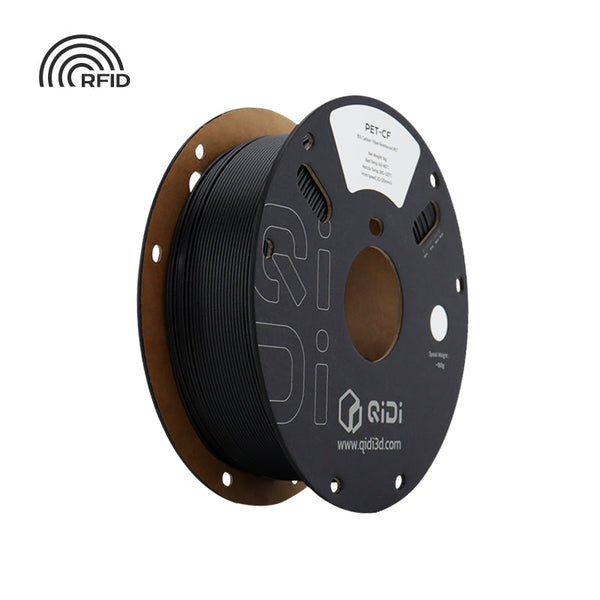
How to Print PET-CF Filament: Settings, Drying and Annealing
Print QIDI PET-CF at 280-300C with a 70-80C bed, dry at 100C, no heated chamber needed. TDS data, hardware, annealing and PET-CF...
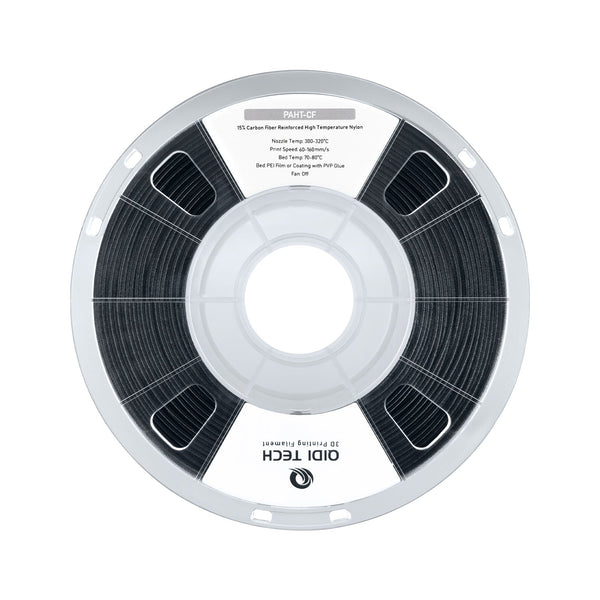
How to Print PAHT-CF (PPA-CF) Filament: Settings, Drying and Annealing
Print QIDI PAHT-CF at 300-320C on a 70-90C bed, dry at 80-100C for 4-6h. Annealed vs unannealed HDT (190.7C vs 84.8C), hardware,...

3D Printing Tip: Easily Turn Models into Keychains
Struggling to hang your favorite 3D prints? Learn to add a perfect hole to any model in just a few clicks with...
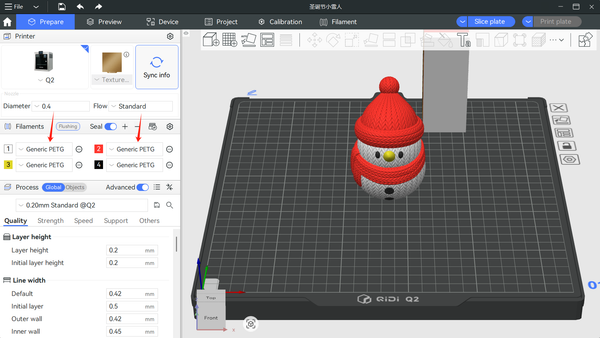
Tutorial for Multi-Color Printing: Connection and Use of QIDI BOX
Stop printing in just one color. Transform your 3D projects with our complete guide to setting up, slicing, and printing multi-colored masterpieces.
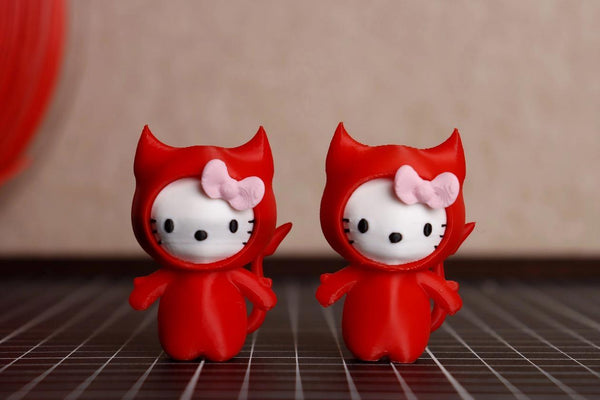
How to Avoid Filament Color Bleeding in Multi-Color 3D Printing?
Achieve clean, bleed-free multi-color 3D prints by optimizing your filament flush volume—especially when switching from dark to light colors—and strategically directing purge...
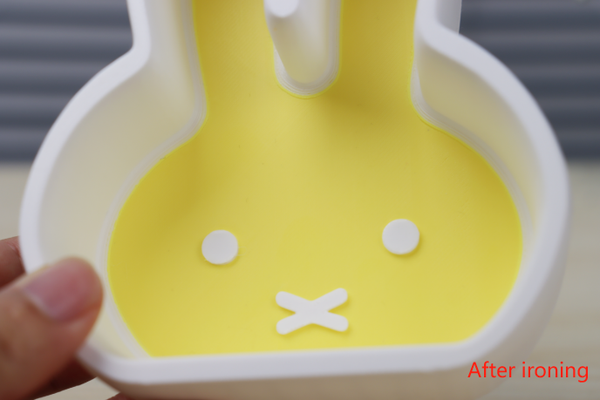
Ironing Function: Even Beginners Can Smooth the Top Surface of Models
The Ironing Function in QIDI Studio effortlessly eliminates tiny striations on your model's top surface. After printing, the nozzle moves like an...
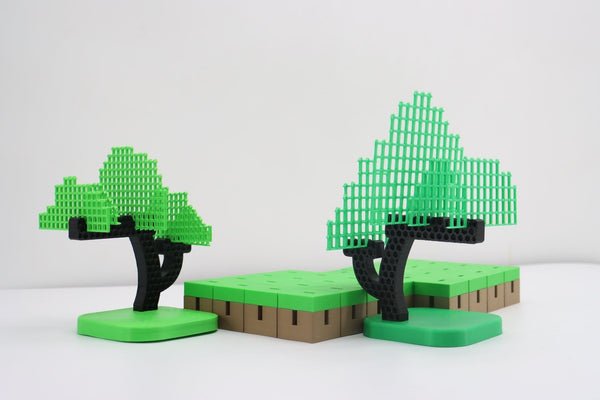
Your First Successful 3D Print Model: A Step-by-Step Beginner's Guide
Our beginner's guide simplifies your first 3D print. Learn where to find STL models, the 5 essential slicer settings, and the best...
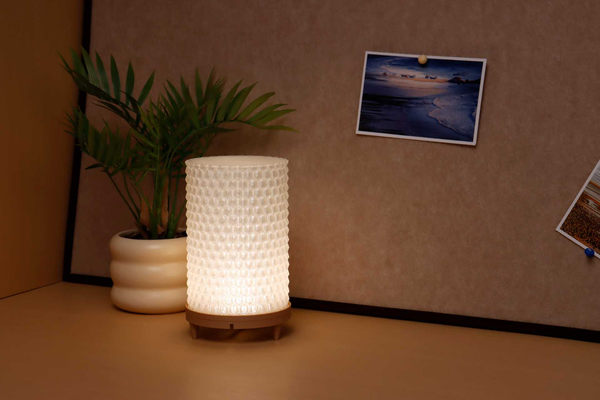
Glass Effect? Tips for 3D Printing with Transparent Filaments
This guide provides key slicing techniques for achieving glass-like transparency when 3D printing with PETG filament, focusing on parameters like high flow,...
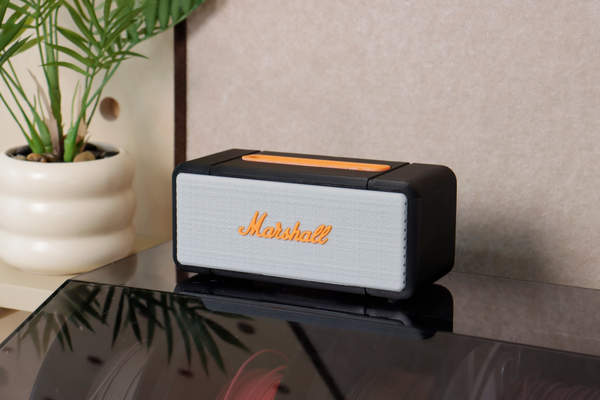
How to Add Text to a Model in QIDI Studio?
QIDI Studio offers a built-in text tool that lets users seamlessly add customizable text directly onto 3D models during the slicing process—no...

How to Color Models in QIDI Studio?
Master Multi-Color 3D Printing with QIDI Studio's 6 Essential Tools: Use the Circle for custom curves, Sphere for bulk coloring (including internal faces), Triangle for precise face selection, Height Range for...
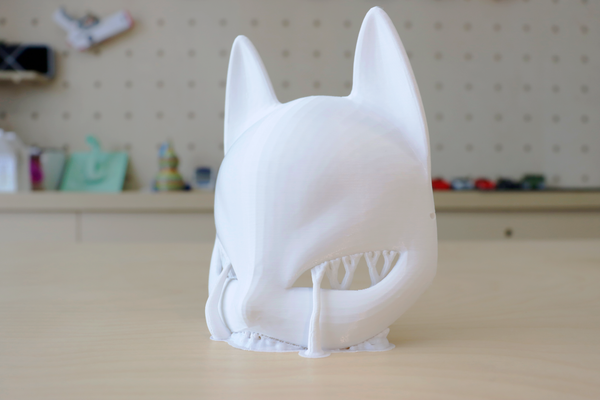
Model Placement Guide: Slice Techniques for Optimizing Strength and Simplifying Support
This guide explores optimal 3D model placement techniques using slicing strategies to enhance structural strength and minimize support structures. Learn how adjusting print orientation in slicing software (like QIDI...
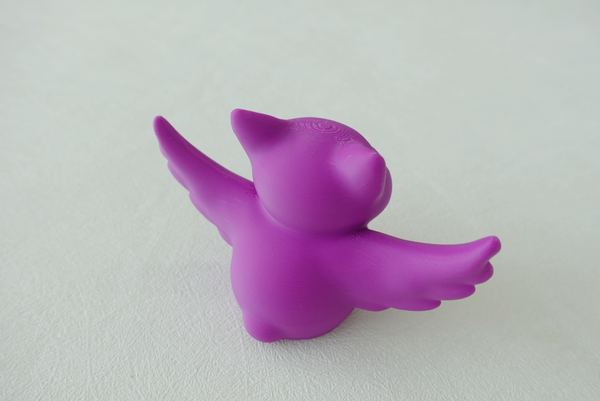
Is the layer pattern too obvious? Learn a move to easily deal with it
Learn to reduce visible layer lines in 3D prints by adjusting layer height and using variable layer settings in QIDI Studio for...